A gaming computer needs effective cooling to deliver smooth performance, maintain stable temperatures, and protect its components from excessive heat. Choosing the right cooling system becomes especially important in a hot environment such as Dubai, where high outdoor temperatures can make it harder to keep a computer cool. Whether you play competitive shooters, racing games, open-world adventures, or demanding simulation games, your cooling setup should match your hardware and gaming habits. 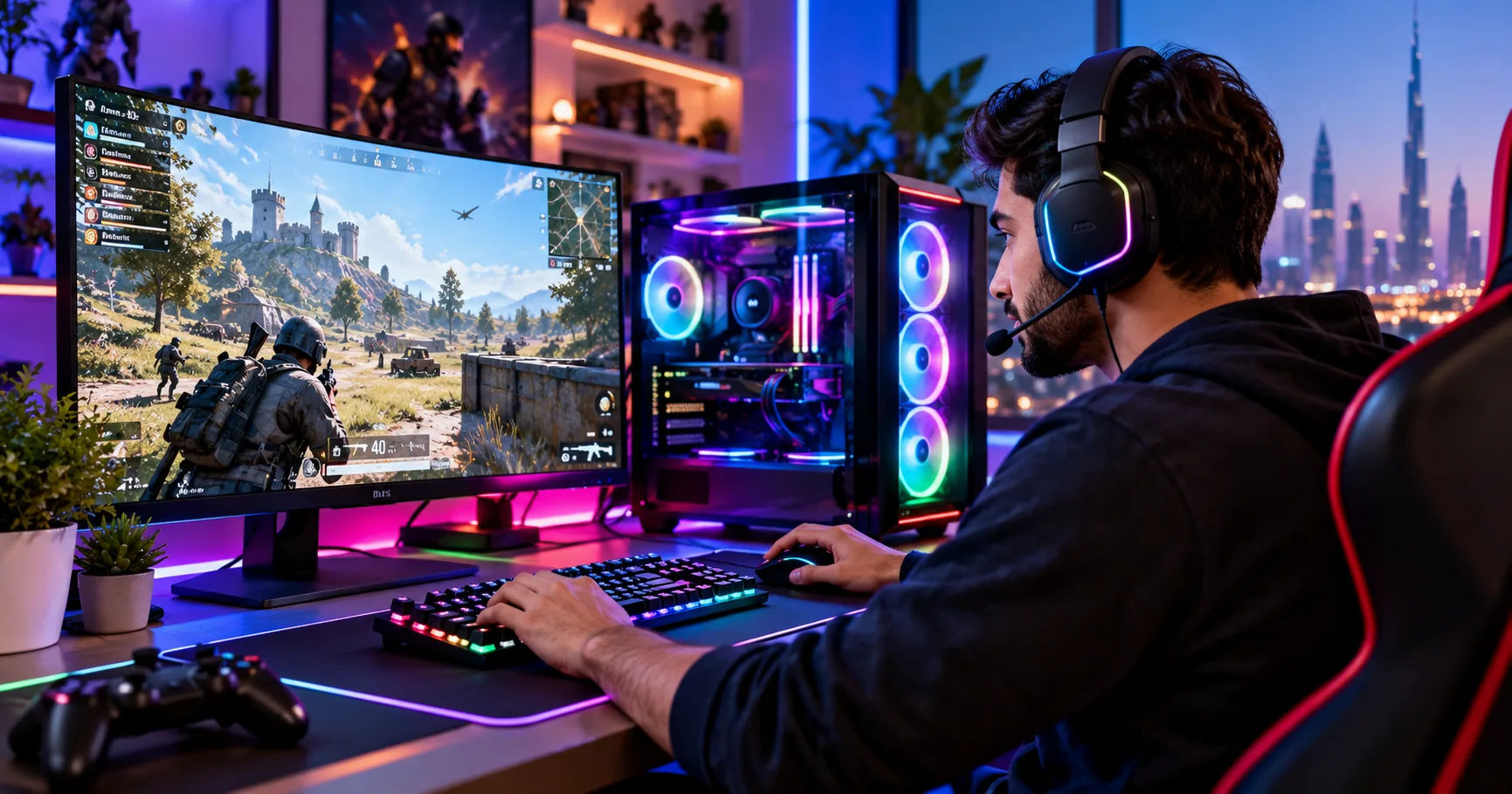 Building or buying a gaming pc dubai setup requires more than selecting a powerful graphics card and processor. You must also consider the room temperature, air conditioning, computer case, airflow, and the type of cooling solution installed. These factors work together to determine how well your computer handles heat during long gaming sessions.
Understanding these requirements helps you choose a system that performs reliably without spending unnecessarily on expensive cooling equipment. A well-planned setup can reduce distracting fan noise, prevent thermal throttling, and help your components maintain consistent performance throughout the year.
Why Cooling Matters for Gaming Computers
Gaming hardware generates heat whenever it processes demanding workloads. The processor handles game calculations, artificial intelligence, physics, and background tasks, while the graphics card renders images, lighting, textures, and visual effects.
Both components can produce substantial heat during intensive gaming. If that heat remains trapped inside the computer case, temperatures can rise until the hardware reduces its operating speed to protect itself.
This process is called thermal throttling. It can lead to lower frame rates, inconsistent performance, and sudden changes in fan noise.
Proper cooling helps prevent these problems by moving heat away from important components and releasing it into the surrounding environment.
Protecting the Processor and Graphics Card
The CPU and GPU are usually the primary heat sources in a gaming computer. Their cooling requirements depend on the model, power consumption, workload, and manufacturer's temperature limits.
A budget processor may work perfectly well with a standard air cooler, while a powerful processor used for gaming and content creation may benefit from a larger tower cooler or liquid cooling system.
Graphics cards normally include their own cooling systems, consisting of heatsinks, fans, and sometimes vapor chambers. However, their performance also depends on the fresh air available inside the case.
A good cooling arrangement supports both components rather than focusing on the processor alone.
Maintaining Stable Gaming Performance
Temperature affects more than hardware lifespan. It can also influence gaming consistency.
For example, a graphics card that repeatedly reaches its thermal limits may reduce its clock speed during a demanding game. This can create performance fluctuations even if the computer has a powerful processor and plenty of memory.
Reliable cooling helps maintain stable operating conditions, especially during extended gaming sessions.
How Dubai's Climate Affects PC Cooling
Dubai's climate deserves special consideration when planning a gaming computer. Summer temperatures can become extremely high, and the air entering a computer in a warm room may already be much hotter than the air available in a cooler environment.
A cooling system cannot bring components below the temperature of the air used to remove their heat through ordinary air cooling. It must transfer heat from the hardware into that surrounding air.
Consequently, a computer operating in a room at 32°C generally has less cooling headroom than the same computer operating at 22°C.
The Importance of Indoor Temperature
Indoor conditions matter more than the outdoor temperature alone. A gaming room with reliable air conditioning may remain comfortable even when the weather outside is extremely hot.
However, a room without adequate cooling can become warm during long gaming sessions. The computer itself also releases heat into the room, potentially increasing the temperature further.
For a gaming pc dubai build, it is sensible to consider the temperature of the room where the computer will actually be used.
Keep the system away from direct sunlight, enclosed cabinets, and locations where warm air becomes trapped. These simple decisions can improve cooling without requiring expensive equipment.
Air Conditioning and Ventilation
Air conditioning can make a substantial difference because it reduces the temperature of the air entering the computer.
Nevertheless, a cold room does not compensate for poor case airflow. If the front intake is blocked or the exhaust fans cannot remove warm air effectively, internal temperatures may remain higher than expected.
Place the computer where its intake and exhaust areas have sufficient clearance. Avoid pushing the case tightly against a wall or surrounding it with objects that obstruct ventilation.
Choosing the Right CPU Cooler
The processor cooler is one of the most important parts of a gaming computer's thermal design. There are three common options: stock coolers, aftermarket air coolers, and liquid coolers.
The best choice depends on the processor's heat output, available case space, noise preferences, and budget.
Stock CPU Coolers
Some processors include a basic cooler in the box. These coolers can be suitable for entry-level systems and processors with relatively modest power requirements.
Their main advantage is cost. You can use the money saved for a better graphics card, larger SSD, or improved power supply.
However, stock coolers may become noisy under sustained heavy workloads. Their ability to maintain low temperatures also depends on the room environment and case airflow.
Check whether the specific processor includes a cooler before purchasing additional equipment.
Aftermarket Air Coolers
Air coolers use a metal heatsink and one or more fans to transfer heat away from the processor. Heat pipes carry energy from the CPU contact plate into the heatsink, where airflow removes it.
A good tower-style air cooler can handle many midrange and high-performance gaming processors.
Air coolers are often a practical choice for Dubai because they offer straightforward installation, relatively simple maintenance, and no liquid pump that could fail. Many models also provide excellent cooling at reasonable prices.
Before buying one, confirm its height fits inside your case and that it does not interfere with your memory modules.
All-in-One Liquid Coolers
All-in-one liquid coolers, commonly called AIOs, circulate liquid between a CPU-mounted pump block and a radiator. Fans attached to the radiator release heat into the surrounding air.
These coolers are available in different radiator sizes, including 120 mm, 240 mm, 280 mm, and 360 mm designs.
A 240 mm or 280 mm AIO can be suitable for many demanding gaming processors, while a 360 mm model may provide more cooling capacity for certain high-power CPUs.
However, radiator size alone does not guarantee better results. The processor's power consumption, radiator thickness, fan quality, case airflow, and room temperature all influence performance.
Liquid cooling is not automatically necessary for every gaming computer. A capable air cooler can be quieter, cheaper, and easier to maintain than an unsuitable or poorly configured AIO.
How Many Case Fans Does a Gaming PC Need?
Case fans move air through the computer, helping remove heat generated by the processor, graphics card, motherboard, and other components.
The number of fans matters, but their placement and quality are equally important.
A sensible starting point for many gaming computers is two intake fans and one exhaust fan. More powerful systems may benefit from additional fans, depending on the case design and heat output.
Intake Fans
Intake fans bring cooler room air into the case. Front-mounted intake fans are particularly common because many computer cases use a ventilated front panel to supply fresh air to the graphics card and processor area.
If the case supports bottom intake fans, these can sometimes provide additional fresh air to the graphics card.
Make sure the front panel allows sufficient airflow. A case with a restrictive solid front may perform worse than a well-ventilated design with fewer fans.
Exhaust Fans
Exhaust fans remove warm air from the case. Rear exhaust is a common arrangement because it helps carry heat away from the processor cooler.
Top-mounted exhaust fans can also remove rising warm air, although fan placement should be planned carefully to avoid interfering with the intended airflow path.
For a typical build, one rear exhaust fan and two front intake fans provide a useful baseline. Additional fans should be added when testing shows that the system would benefit from them.
Positive and Negative Air Pressure
Air pressure describes the balance between intake and exhaust airflow.
Positive pressure occurs when intake airflow exceeds exhaust airflow. With appropriate dust filters, this arrangement can help reduce dust entering through unfiltered gaps.
Negative pressure occurs when exhaust airflow exceeds intake airflow. This can remove warm air effectively in some cases, but it may pull additional dust through openings that lack filters.
Neither arrangement guarantees good temperatures. The objective is to maintain a clear airflow path, provide sufficient fresh air, and avoid unnecessary turbulence.
Is Liquid Cooling Better Than Air Cooling?
Liquid cooling often attracts attention because of its appearance and ability to handle demanding processors. However, its advantages depend on the system being built.
A high-quality air cooler can match or outperform some smaller liquid coolers. Meanwhile, a large, well-designed AIO may provide lower temperatures or quieter operation for certain high-power processors.
The comparison should include total cost, noise, reliability, installation requirements, and long-term maintenance.
When Air Cooling Makes More Sense
Air cooling is a strong option for budget and midrange gaming computers.
It usually costs less, has fewer potential failure points, and is easy to maintain. If a fan eventually fails, replacing it is generally straightforward.
For someone primarily playing games rather than running heavy rendering workloads, an appropriately sized air cooler may offer all the performance needed.
When Liquid Cooling Is Worth Considering
Liquid cooling can be useful for high-power processors, compact builds with specific thermal requirements, or systems where appearance and radiator placement are priorities.
It can also help distribute heat to a radiator positioned away from the CPU socket.
However, an AIO introduces a pump and sealed liquid loop. Although modern units are designed for reliable operation, pumps can fail and liquid coolers have a finite service life.
Choose liquid cooling because your hardware and preferences justify it, not simply because the climate is hot.
Keeping the Graphics Card Cool
The graphics card often produces more heat than any other component during gaming. Its cooling requirements deserve as much attention as the CPU's.
Modern graphics cards may consume substantial power, especially when running demanding games at high resolutions or using advanced ray tracing features.
Provide Fresh Air to the GPU
Select a case with adequate clearance around the graphics card. Front intake fans can help supply fresh air to its fans, while appropriate exhaust placement removes heated air.
Avoid placing the computer on thick carpeting if its case uses bottom ventilation. Dust and restricted airflow can reduce cooling efficiency.
Also check the graphics card's dimensions before purchasing the case. A card that barely fits may leave limited space for airflow or make cable management difficult.
Normal GPU Temperatures
There is no single temperature that applies to every graphics card. Different models have different operating limits, fan curves, and hotspot specifications.
Consult the manufacturer's guidance and use monitoring software to check the GPU temperature, hotspot temperature, fan speed, and power consumption.
A warm graphics card is not automatically overheating. Many models are designed to operate at relatively high temperatures under heavy loads.
Investigate temperatures that consistently approach the manufacturer's limits, especially if they coincide with reduced performance, unusual noise, or instability.
Cooling a Gaming PC on a Budget
You do not need an expensive cooling system to build a reliable gaming computer.
The most cost-effective approach is to choose components that suit one another and make good use of the case's existing cooling capacity.
Spend Money Where It Matters
For a budget-oriented gaming pc dubai build, consider the following priorities:
Choose a ventilated case with a sensible fan layout.
Use an appropriate CPU cooler for the processor's power requirements.
Ensure the graphics card has enough room to breathe.
Add quality case fans only when needed.
Keep the computer clean and maintain unobstructed airflow.
Spending extra money on decorative fans or an oversized liquid cooler may deliver little practical benefit if the rest of the system is poorly designed.
A balanced build can provide excellent gaming performance without unnecessary cooling expenses.
Use Sensible Fan Curves
Fan curves determine how quickly fans spin as temperatures change. A well-adjusted curve can balance cooling performance and noise.
For example, fans can run slowly during everyday browsing and increase their speed when gaming raises component temperatures.
Avoid setting every fan to maximum speed at all times. This can create unnecessary noise and may provide only a small improvement in temperatures.
Use motherboard software, BIOS settings, or graphics card utilities to adjust fan speeds where supported.
Consider Power Limits and Undervolting
Some processors and graphics cards allow users to reduce power consumption through power limits or undervolting.
Reducing power can lower heat output while retaining much of the original performance. However, results vary by component, game, and configuration.
Make changes gradually and test system stability after each adjustment. Follow manufacturer guidance, and restore default settings if you experience crashes, graphical errors, or unexpected performance problems.
Maintaining Your Cooling System
Even a well-designed computer can develop cooling problems if dust accumulates or fans stop working correctly.
Regular maintenance helps preserve airflow and makes it easier to identify problems before they affect gaming performance.
Clean Dust Filters and Fans
Dust can collect on intake filters, heatsinks, and fan blades. This buildup restricts airflow and makes fans work harder to move air.
Inspect the filters every few weeks at first, then adjust your cleaning schedule according to the amount of dust in your environment.
Turn off the computer and disconnect its power before cleaning. Use suitable compressed air or an electronics-safe air blower, and prevent fans from spinning freely during cleaning.
Avoid using a household vacuum directly on sensitive components because static electricity can damage electronics.
Monitor Temperatures Regularly
Monitoring software can help you establish normal temperatures for your particular hardware.
Record CPU and GPU temperatures during idle use and after approximately 20 to 30 minutes of gaming. Repeat the test in different seasons if indoor temperatures change substantially.
Look for unexpected increases over time rather than judging the system by one reading alone.
If temperatures suddenly rise, inspect the fans, dust filters, cooler mounting, and airflow. If the processor cooler appears loose or thermal paste has deteriorated, proper servicing may be necessary.
Recognize Warning Signs
Common signs of inadequate cooling include:
Fans becoming unusually loud during ordinary gaming.
Performance dropping after extended play.
Unexpected shutdowns or system instability.
Temperatures repeatedly reaching manufacturer limits.
Fans failing to spin when they should be operating.
These symptoms can have other causes, so investigate them carefully rather than immediately replacing the cooler.
Common Cooling Mistakes to Avoid
Several avoidable mistakes can make a gaming computer run hotter than necessary.
First, do not assume that installing more fans will always improve temperatures. Poorly placed fans can create turbulence or circulate already-warm air.
Second, do not select a case based only on appearance. Tempered glass, compact dimensions, and decorative panels can limit airflow if ventilation is inadequate.
Third, do not ignore room temperature. A computer designed for a cool room may behave differently in a warm environment.
Fourth, do not assume that liquid cooling eliminates maintenance. Radiators can collect dust, pumps can wear out, and fans still require attention.
Finally, do not compare temperature readings without considering the workload. A computer rendering a demanding game at 4K will behave differently from one running a lightweight esports title at lower settings.
How to Test Your Cooling Setup
Testing helps you determine whether your cooling arrangement is adequate for your actual gaming conditions.
Begin by checking that all fans are connected correctly and that the CPU cooler is mounted securely. Confirm that intake and exhaust fans face the intended directions.
Next, run a game that represents your normal workload for 20 to 30 minutes. Monitor CPU temperature, GPU temperature, hotspot readings where available, and fan speeds.
Repeat the test during a warmer part of the day if your room temperature varies. Compare the results with the component manufacturer's recommended operating limits.
If temperatures are too high, make one change at a time. Clean the filters, improve case placement, adjust fan curves, or add an intake fan. Retest after each adjustment to identify which change actually helps.
This method is more reliable than purchasing several cooling components without first identifying the problem.
Conclusion
Choosing the right cooling system requires balancing hardware requirements, room temperature, airflow, noise, and budget. Dubai's hot climate makes these considerations particularly important, but an expensive liquid cooler is not automatically the best solution.
For many gaming computers, a well-ventilated case, two intake fans, one rear exhaust fan, and an appropriately sized CPU air cooler provide an excellent starting point. More powerful systems may benefit from additional case fans, larger heatsinks, or an AIO liquid cooler, depending on the processor and graphics card.
When planning a gaming pc dubai setup, remember that indoor conditions matter just as much as outdoor weather. Reliable air conditioning, sensible computer placement, and regular dust removal can improve cooling without adding significant expense.
Monitor temperatures during real gaming sessions and compare them with the manufacturer's specifications. If the system remains stable, performs consistently, and operates within its recommended temperature limits, there is usually no need to upgrade the cooling system simply for the sake of lower numbers.
Ultimately, the best cooling setup is one that matches your components, handles the heat produced during your games, and remains dependable over time. With thoughtful component selection and routine maintenance, you can enjoy a smooth and comfortable gaming experience throughout Dubai's demanding summer months.